


Description
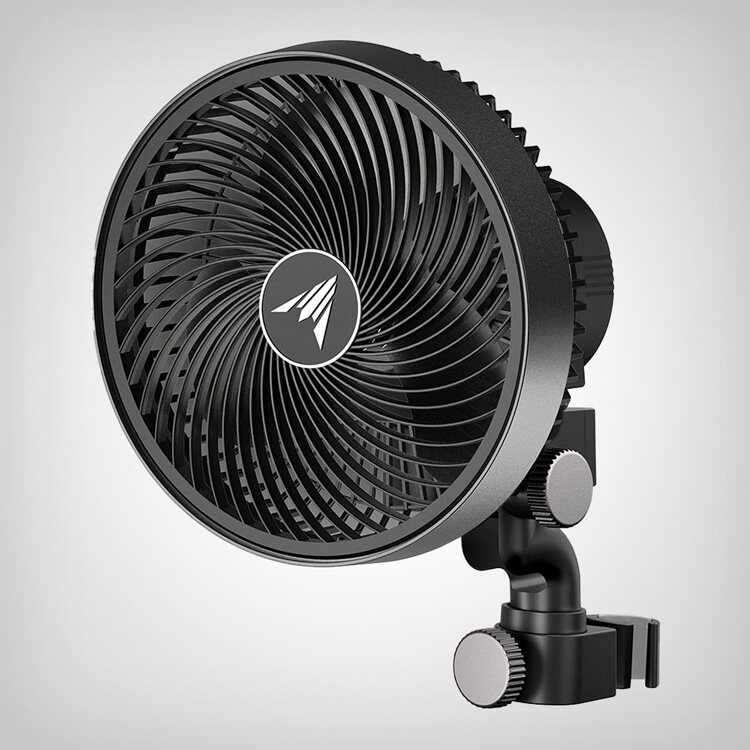
The iFresh MarsPro Add-On Pack connects a 2025 Mars Hydro iFresh inline fan to the MarsPro app for Wi-Fi control and sensor monitoring.
Network Connection Guide
- Step 1 – Power up the fan: Connect the fan to the power supply, then plug the iConnect USB into its port.
- Step 2 – Connect the knob controller: Plug the knob controller into the RJ interface.
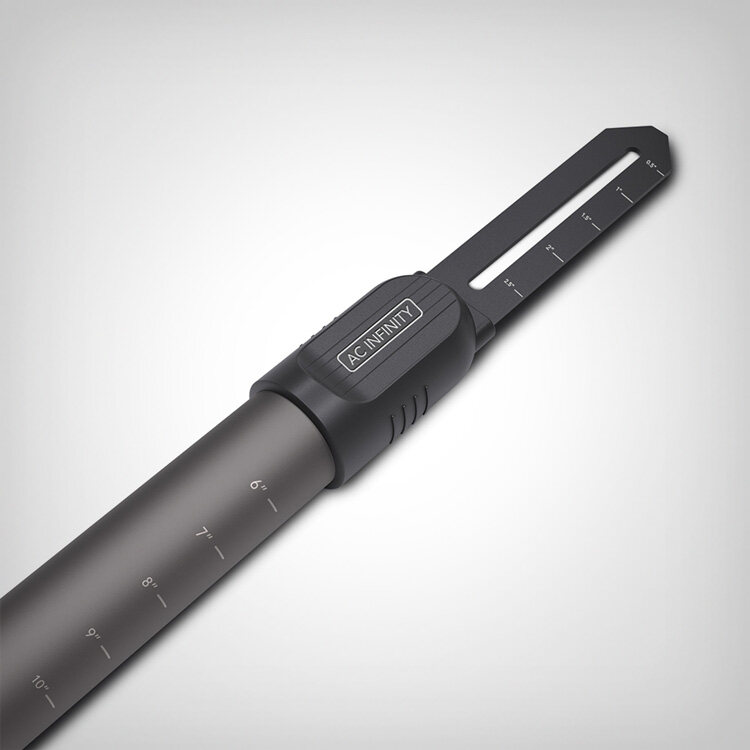
- Step 3 – Enter network mode: Rotate the knob controller three times or more continuously, each rotation covering more than 50% of the scale, to put the fan into pairing mode.
- Step 4 – Connect to network: Open the MarsPro app, add the device and follow the instructions to connect the fan to your Wi-Fi network. To reconnect to a new Wi-Fi network, repeat the steps above.
- Step 5 – Switch to sensor: Once connected, remove the knob controller from the RJ interface and insert the sensor to complete setup. If the sensor doesn’t appear in the app, unplug and reconnect the USB.
Sold and shipped by Mars Hydro EU. Prices are set by the vendor and you complete your purchase on their site. Adults only.
![[Smart Control Kit] 2026 NEW Upgraded Mars Hydro Dimmable FC-E8000 BridgeLux 800W CO2 Vertical Farm LED Grow Light with OSRAM Red + iControl Smart Controller – Mars Hydro EU](https://media.budbid.eu/2026/10/smart-control-kit-2026-new-upgraded-mars-hydro-dimmable-fc.jpg)


![[Zero Standing Water] Auto-Drainage System for Indoor Growing | 4-Pack Runoff Trays | 25W Water Pump | 4 Grow Bags for Growbox – Mars Hydro EU](https://media.budbid.eu/2026/10/zero-standing-water-auto-drainage-system-for-indoor-growin.jpg)

![Pre-order [Smart iHub-Pro Combo] Mars Hydro FC4000 320W LED Grow Light+120x60x180cm Complete Grow Tent Kits with iHub Pro 10-Outlet Power Strip(Est. Ship Date: Oct 31–Nov 19) – Mars Hydro EU](https://media.budbid.eu/2026/10/pre-order-smart-ihub-pro-combo-mars-hydro-fc4000-320w-led.jpg)



Reviews
There are no reviews yet.